Commercial Service

IT Workstation Moves in Colorado Springs

Our crew handles the cords, cartons, and carts for each seat. Your IT contact or managed service provider owns the network, servers, imaging, and phones.

(719) 357-5865
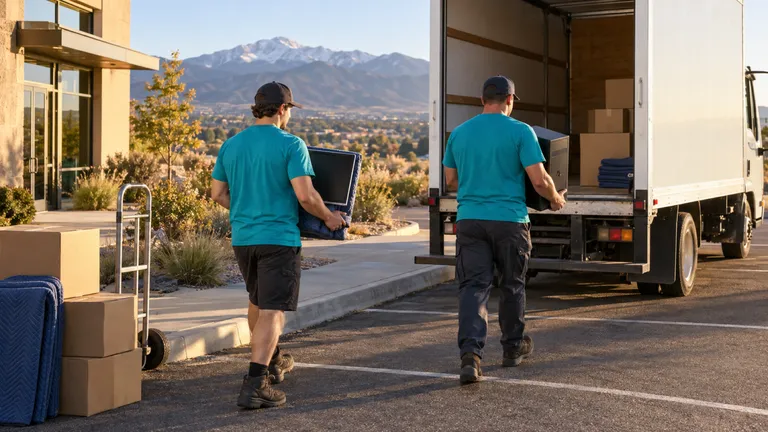
IT Workstation Moves moving in Colorado Springs: moving crew at work
  • 18+ Years Experience
  • 1,013+ Reviews 5-Star Rated
  • Family Owned Local Business

Start your free commercial move quote

verified For estimate purposes only credit_card_off No credit card required

How We Plan IT Workstation Moves

This service covers the physical half of moving a workstation and nothing else. Our crew unplugs each desk's computer or laptop dock, monitors, keyboard, mouse, headset base, and desk printer. We tag every piece with the person's new seat number, pad it, carry it to the new desk, and plug it back in the way it was set up before. The technical half stays with your IT contact or managed service provider: switches, wireless, servers, phones, the telecom closet, accounts, and any reimaging.

Your office manager gives us an old-seat to new-seat list, and we drop off seat tags and parts bags before move day. Once staff log off, we photograph every port layout, then disconnect and pack. On the new floor we set the tower or dock where the photo shows it, stand the monitors in their left-to-right order, and reconnect power, display, and USB. Your IT contact walks the rows behind us and flags anything that should change.

Who usually signs off
Facilities or office manager who approves the seat map, with an IT contact releasing and checking each group of desks
Timing that works
Staff log off after their last day at the old desks, the crew disconnects that evening or on a Saturday on request, and your IT contact tests seats before people return.

What typically moves

  • Tower PCs and laptop docking stations Towers ride upright on carts or in padded cartons. Each dock travels with its own power brick in the seat bag so adapters are not swapped between desks.
  • Monitor pairs and triples Each screen is marked with its position and seat number, then rides on edge in a padded monitor carton instead of stacked face to face.
  • Monitor arms and desk clamps The arm comes off with its clamp and hex key bagged together, and goes onto the new surface before the screens do.
  • Keyboards, mice, headsets, and webcams Every small item from one desk goes into one closed bag with the seat number, so each person gets their own headset back.
  • Personal and shared desk printers Paper trays are emptied and taped. Your IT contact decides where each printer goes and how it rejoins the network.

Access and scheduling

The seat list is the schedule. We need it before tagging starts, including hot desks and seats that change owners. People who keep a laptop should take it home the last night, which leaves only the dock on the desk. Retired equipment gets a different tag so it does not land on a new desk.

Most offices let people finish the day, and the crew starts disconnecting once they log off, that evening or on a Saturday on request. Ask your IT contact to be on site or on call while the last seats go back in, so logins get tested while our crew can still swap a cable. If the freight elevator needs our insurance certificate on file, we send it. On a floor-by-floor move, one department is reconnected before the next is unplugged, which keeps the help-desk queue short.
Protection and handling

Most damage to desk equipment comes from loose cables and stacked screens, not from the truck. Before any cord comes out, a crew member photographs the ports on each tower or dock so the new connections match what worked before. Cables are coiled and bagged with their seat, monitors ride on edge in padded cartons, towers ride upright, and nothing heavy goes on top of a dock.

At the new desk, arms go on first, then screens in their marked order, then power and display cables. Machines are powered on only if your IT contact asks. If a desk does not match the old one the crew leaves a note on that seat for your IT contact instead of improvising with an extension cord.

Who does what

Some of this job belongs to other trades. The written plan names each one.

Network switches, wireless, servers, and the telecom closet
Your IT contact or managed service provider plans and moves them. Our crew stays at desk level and does not open racks or patch panels.
Accounts, logins, imaging, and software
Your IT contact sets up users, reimages or replaces machines, and tests access after the crew has plugged each seat back in.
Phone system and extensions
Your phone vendor or IT contact moves the phone service and reprograms extensions. We carry the handsets as tagged seat items.

Not part of our work

  • Moving or configuring servers, network gear, or anything in the telecom closet.
  • Logging users in, reimaging computers, installing software, or troubleshooting connectivity.
  • Wiping or disposing of retired computers, which stays with your IT team or a recycler you choose.

Around Colorado Springs and El Paso County

Plenty of Colorado Springs offices rely on an outside IT provider. In the office parks of Briargate and InterQuest and along Garden of the Gods Road, that means booking the provider's technician for the same evening as the move. Downtown buildings near Tejon Street may hold freight elevators for after hours, which pushes reconnection late, so plan the technician's time to match.

The crew that shows up

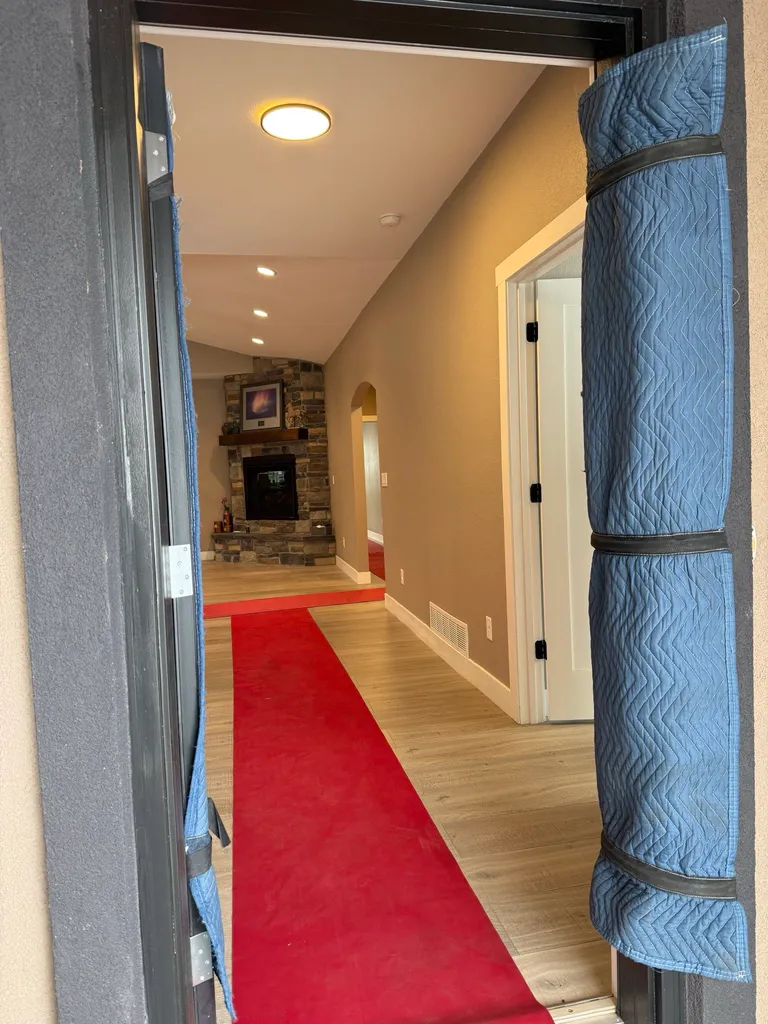
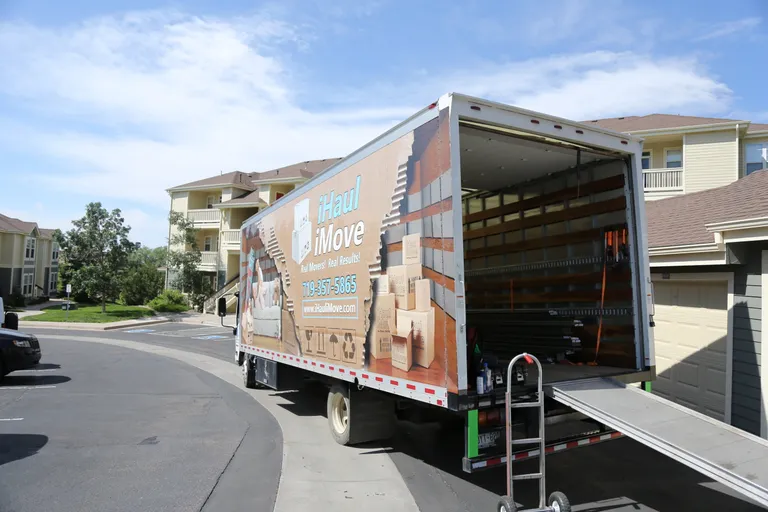
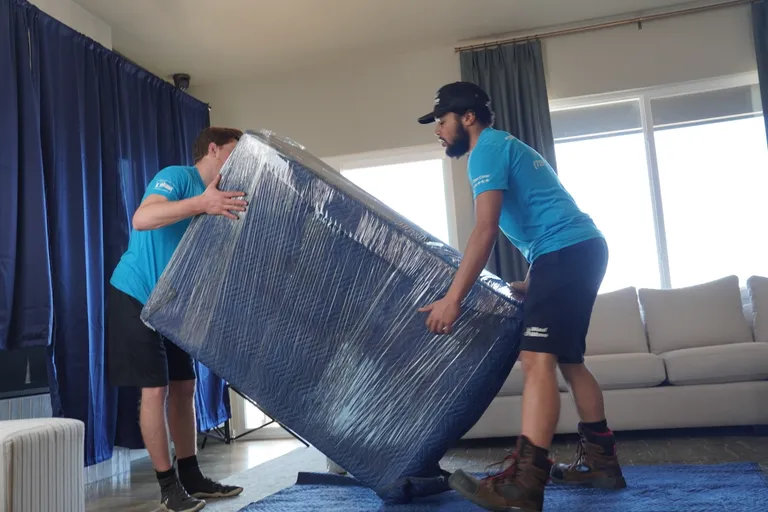
iHaul iMove box truck with its ramp lowered and a hand dolly waitingTwo iHaul iMove movers carrying a stretch-wrapped piece of furniturePadded door frame and a floor runner laid out before a move

IT Workstation Moves FAQs

Another question? Call (719) 357-5865.

Do our staff need to unplug their own computers before the crew arrives?

No. Staff should save their work, shut down, log off, and take home any laptop they plan to use. Our crew does the unplugging so every cable is photographed, bagged, and tagged the same way. When staff unplug things themselves, cords end up loose in desk boxes and reconnection takes longer.

Will the monitors go back into the same ports on the new desk?

Yes, that is what the photos are for. Each screen is marked with its position and seat, and the crew reconnects it to the same port on the same tower or dock. If the new desk gets a different dock or adapter, your IT contact tells us which cable goes where, and we follow that.

Should our managed service provider be on site during the move?

We suggest it for the reconnection, even if only for the last few hours. The crew can plug everything in, but only your provider can confirm logins, network access, and printing. With them on the floor while our crew is still there, a wrong cable gets sorted out that night instead of at the first login.

What happens to computers we are retiring instead of moving?

They get a different tag so they do not reach a new desk. The crew can move them to a room your IT contact picks, where the provider wipes drives and arranges recycling. We do not handle data removal. If retired equipment is leaving the building, tell us at planning so it gets its own spot on the truck.

Plan your business move

Tell us both addresses, the building rules you know about, and the dates you cannot move. We will send back a written plan and estimate.

Call (719) 357-5865

Open 24 hours a day

Call Now call 719-357-5865